Prep the event
Create the event, import exhibitors, build your visit plan and categories before you hit the floor.
Your trade show contacts. On your phone, not ours. Prep the event, scan & qualify on the floor, run follow-ups and track your leads. Offline. No cloud. No account.
5.0 on the App Store · iPhone
Demo Prep → Scan → Follow up
Export to the CRM you already use
Without the right tool, cards pile up, context fades, and your CRM stays empty until weeks later.
Stacks of business cards never make it into your workflow after the show.
Cloud apps stop working when the network is saturated or down on the floor.
Hours wasted typing contact details instead of selling on the booth.
By the time you remember, the lead has gone cold or moved on.
Your strategic leads stored on a third-party server you don't control.
Without notes on the spot, faces and context fade within days.
PikScan covers the full show: visit plan, floor scan & qualify, follow-up playbooks and tracking: then CRM export when you’re ready.
Not an online CRM. Not a basic card scanner. Prep, scan & qualify, follow up and track: offline.
Create the event, import exhibitors, build your visit plan and categories before you hit the floor.
Cards, QR badges or LinkedIn: OCR, hot/warm/cold qualification, notes and pipeline: right on the booth.
Start post-show playbooks, work today’s queue, track on the dashboard. Export to your CRM when you want.
Most trade show scanning and lead capture apps rely on a third-party cloud.
PikScan doesn't.
Scan, qualify and export directly on your iPhone.
Offline capture, data on your iPhone, built-in pipeline, not just another card scanner.
Pipeline, qualification and export: your leads are structured before you leave the venue.
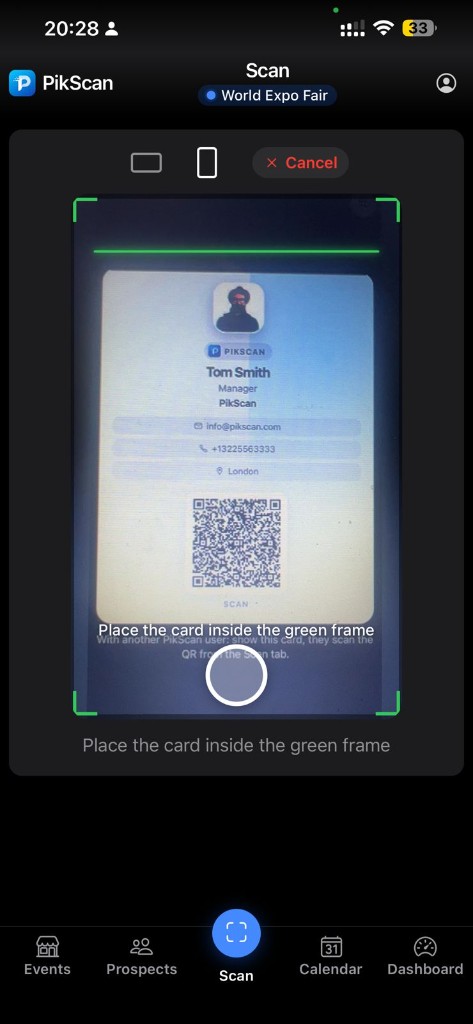
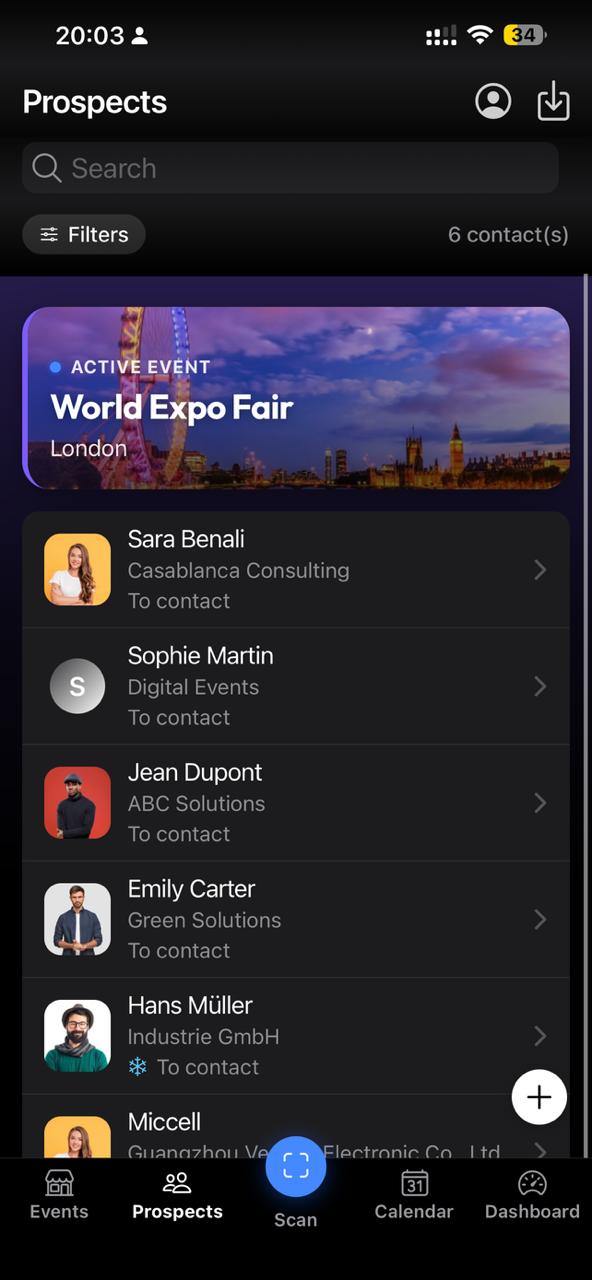
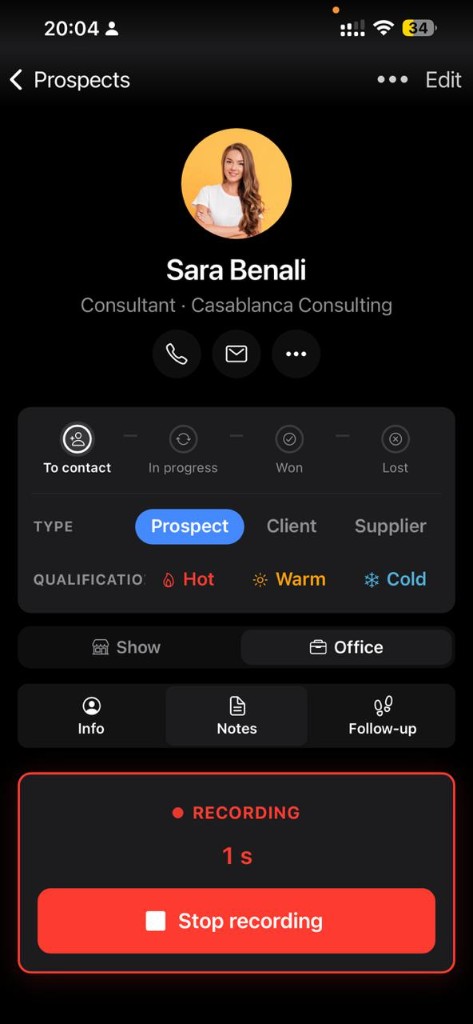
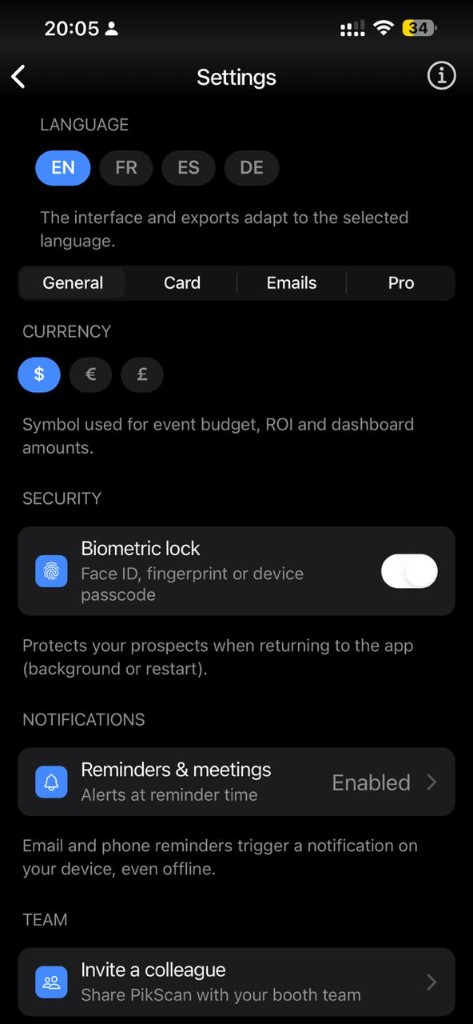
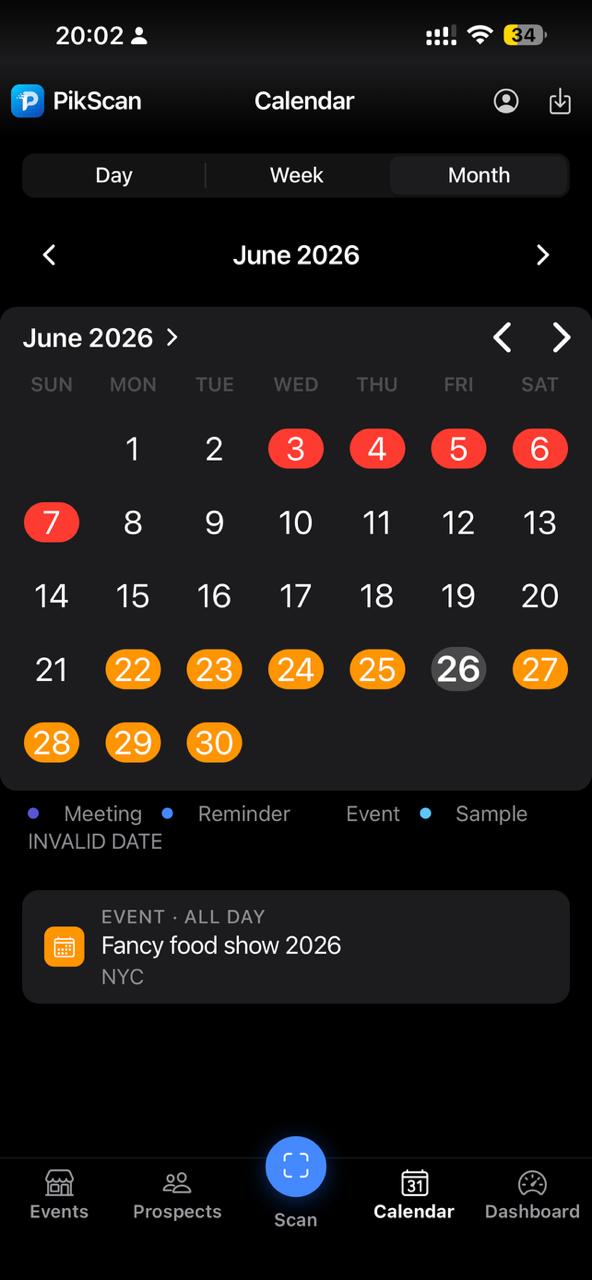
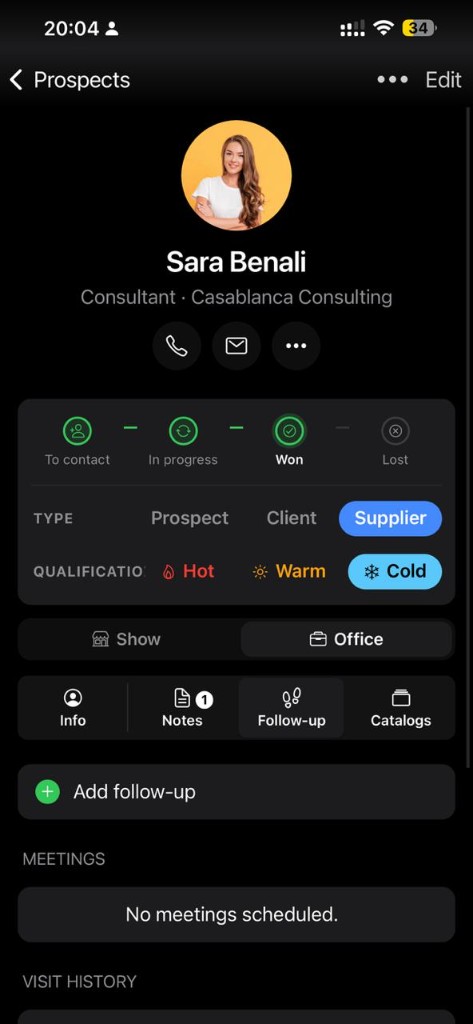
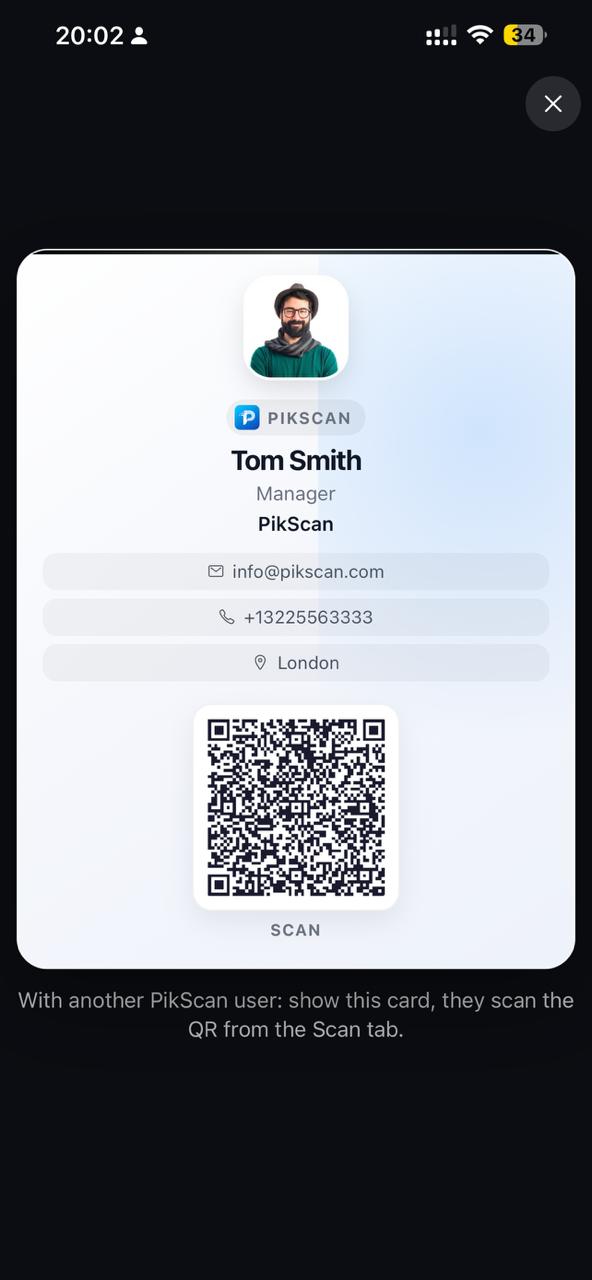
Capture, qualification, follow-up and export, without three different tools.
Live camera or document scanner. Name, company, email and phone extracted in 3 seconds.
Scan trade show badges (vCard, QR) or import a LinkedIn profile in one gesture.
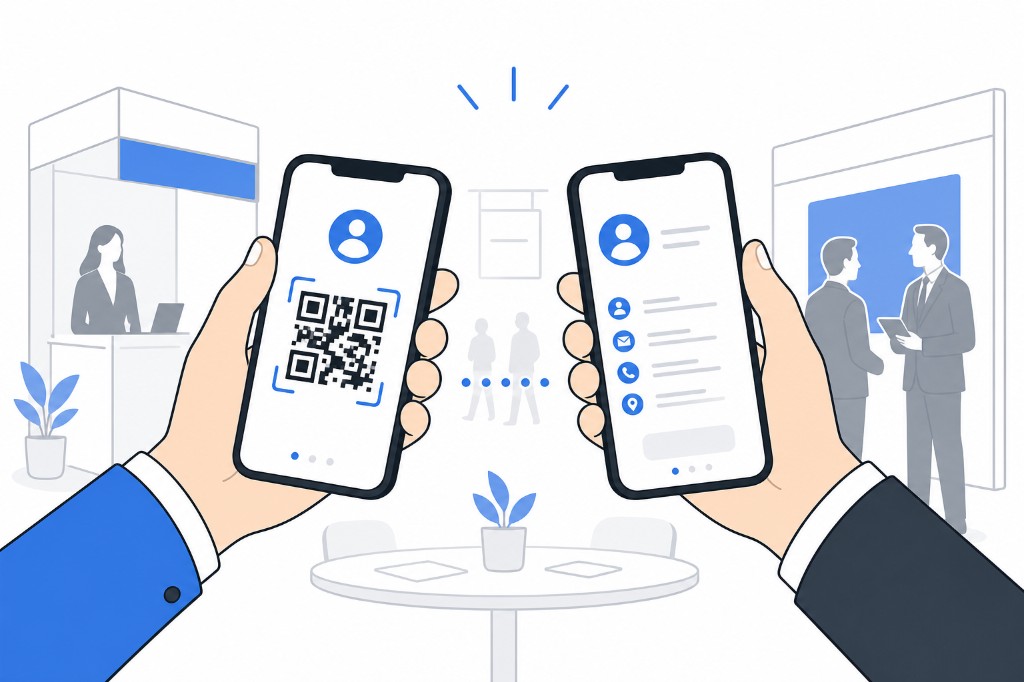
Show your vCard QR. Another PikScan user scans and adds you as a contact instantly.
Build your booth visit list: company, stand, hall, priority, visit time and route order, or import a CSV/Excel exhibitor list from the organizer (auto column mapping, preview, merge or replace). Download the PikScan template. Planned visits appear in the calendar. Mark visited and link scans to planned exhibitors.
Create categories and subcategories. View prospects as a list or folders by tree, same view for event prep.
Exchange a contact via vCard QR or share the .vcf file by AirDrop, email or message, without leaving the app.
Rate interest on the spot, while the conversation is still fresh.
Track every prospect from "To contact" to "Won" or "Lost".
Trade shows, appointments, follow-ups, samples and planned exhibitor visits. Day, week and month views, color-coded by event type.
Dictate booth notes, attached to each contact profile.
On iPhone, transcribe any saved voice note to a text note in one tap. Apple on-device speech recognition, your recordings stay private.
Attach brochures by link, PDF or photos, stored on the supplier contact profile.
Native Excel (.xlsx), Salesforce, HubSpot, Odoo, Pipedrive, vCard, ICS. Calendar export included. Export right after the show.
Cost per lead, conversion rate and estimated ROI based on your event budget.
Manual export anytime, plus a periodic in-app reminder. Save locally or to your own iCloud Drive as a static archive you own. Restore in the app at any time (merge or replace).
Face ID or fingerprint protection when returning to the app.
Tap record on the booth floor. Play back anytime, transcribe to text on iPhone in one tap.
Browser demo, the app records on your iPhone, offline.
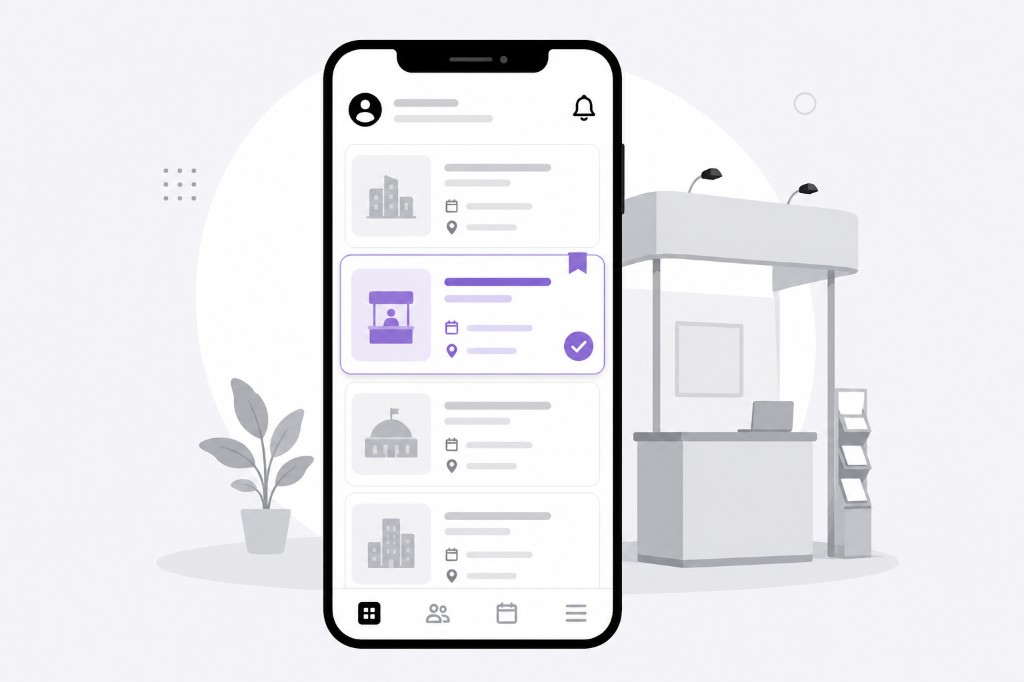
Create your event, build your exhibitor visit plan (or import CSV/Excel), set up categories and configure your digital card. Ready in 5 minutes.
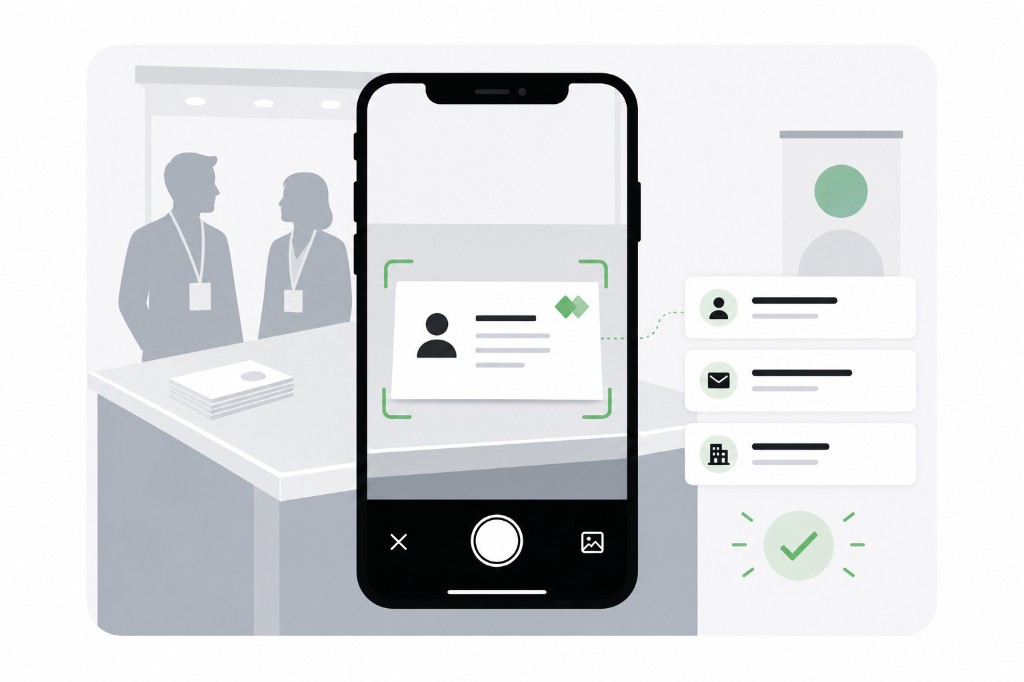
Scan cards, QR badges or LinkedIn. Qualify hot, warm or cold. Dictate voice notes, transcribe them to text on iPhone in one tap.
Start follow-ups (hot / warm / cold), work today’s queue and track on the dashboard. Export to HubSpot, Salesforce or Excel when you’re ready.
~$5/month · Save 50% · Launch offer
Subscriptions via the App Store · 7-day free trial · No account required
Review on the App Store
CRM+SCAN
"We used to juggle three different tools. Now scan, pipeline, calendar, and CRM export all live in one app."
Review on the App Store
SCAN
"Nous utilisions trois outils distincts. Aujourd'hui, le scan, le pipeline, le calendrier et l'export CRM sont centralisés dans une seule application."
Review on the App Store
Great app
"A practical app that works really well."
The contacts you scan at a trade show are your most strategic leads. They shouldn't transit through a third-party cloud, a US SaaS database, or anyone else's server.
Card recognition runs entirely on your device. No image is sent to any server. Not even ours.
Contacts, voice notes, card photos and catalogs are stored in a local SQLite database on your iPhone. You own your data.
Scan, qualify and export with zero network. Ideal when connectivity is poor, absent, or simply not to be trusted on a shared show floor WiFi.
Privacy-first and designed to support GDPR requirements. Privacy policy →
Yes. Scan, storage, voice notes, pipeline and export work without internet. Everything stays on your iPhone: local OCR, SQLite storage, card photos and voice notes. Voice-to-text uses Apple's on-device speech engine (iPhone). PikScan collects zero data.
Contacts, voice notes, card photos and catalogs are stored in a local SQLite database on your iPhone. PikScan collects zero data: nothing is sent to our servers. You can export a portable backup (local Files or your own iCloud Drive) and restore it in the app at any time. Offline is a privacy design, not a missing backup. The app is privacy-first and designed to support GDPR requirements. You own your data.
No. PikScan is an iPhone (iOS) app available on the App Store. It is not available on Android at this time.
Free plan: native Excel (.xlsx) and JSON. Pro adds Salesforce, HubSpot, Odoo, Pipedrive, vCard (.vcf) and ICS calendar (Excel or ICS export).
Most cloud scanners sync cards to a vendor server, require an account, and need internet to finish the workflow. PikScan keeps prep, scan, qualification and follow-up on your iPhone, then exports to your CRM when you decide. OCR runs on the device. Contacts stay in a local SQLite database, not on a third-party cloud. Backup is a user-owned static file (local Files or iCloud Drive), restorable in the app at any time: not a missing cloud feature.
Yes. PikScan reads vCard QR codes, LinkedIn links, encoded email and phone, in addition to business card OCR.
Before the show, list exhibitors to visit (company, stand, hall, priority, visit time) or import a CSV/Excel file from the organizer. Reorder your route, mark booths as visited and link scanned contacts to your plan. Planned visits show in the calendar. Free: 25 exhibitors per event. Pro: unlimited.
After the show, open an event via the paper-plane icon, then Start follow-ups. PikScan builds a sequence from temperature (hot / warm / cold). Work today's queue (email, call, WhatsApp). Free: hot plans and 5 actions per event. Pro: all temperatures, unlimited, day-14 report.
Yes. In Event prep, tap Import list to load CSV or Excel (.xlsx). PikScan auto-detects columns (company, stand, hall, priority, visit day/time, notes, tags) in FR/EN/DE/ES. Review the preview, skip duplicates, then add to list or replace list. A downloadable CSV template is included. Subject to the free plan’s 25-exhibitor limit per event.
In Settings → Categories, create a tree of categories and subcategories. Assign them when saving a contact. View prospects as a list or folders, same for event prep.
Offline is not a data-loss risk. Export a backup anytime (Settings → Data): a .pikscan JSON or a full .pikscan.zip with photos, cards, voice and catalogs. The app also launches a periodic backup reminder on an interval you choose. Save the file locally (Files / On My iPhone) or to your own iCloud Drive as a static archive you own: not a PikScan cloud. Restore inside the app at any time, by merge or full replace.
French, English, German, Spanish, Italian, Portuguese, Dutch, Chinese (Simplified) and Arabic (RTL). OCR supports major Latin-script languages.
Settings → Subscriptions in your Apple account. No interaction with PikScan needed.
PikScan suite
Offline expense reports: scan receipts, track trips and export to accounting. Same approach: on your phone, no cloud, no account.
Discover PikScan Expenses →