Smart OCR scan
Live camera or document scanner. Name, company, email and phone extracted in 3 seconds.
Features
Show prep, scan & qualify, follow-up playbooks, pipeline and CRM export: all offline on iPhone.
Demo Prep → Scan → Follow up
Live camera or document scanner. Name, company, email and phone extracted in 3 seconds.
Scan trade show badges (vCard, QR) or import a LinkedIn profile in one gesture.
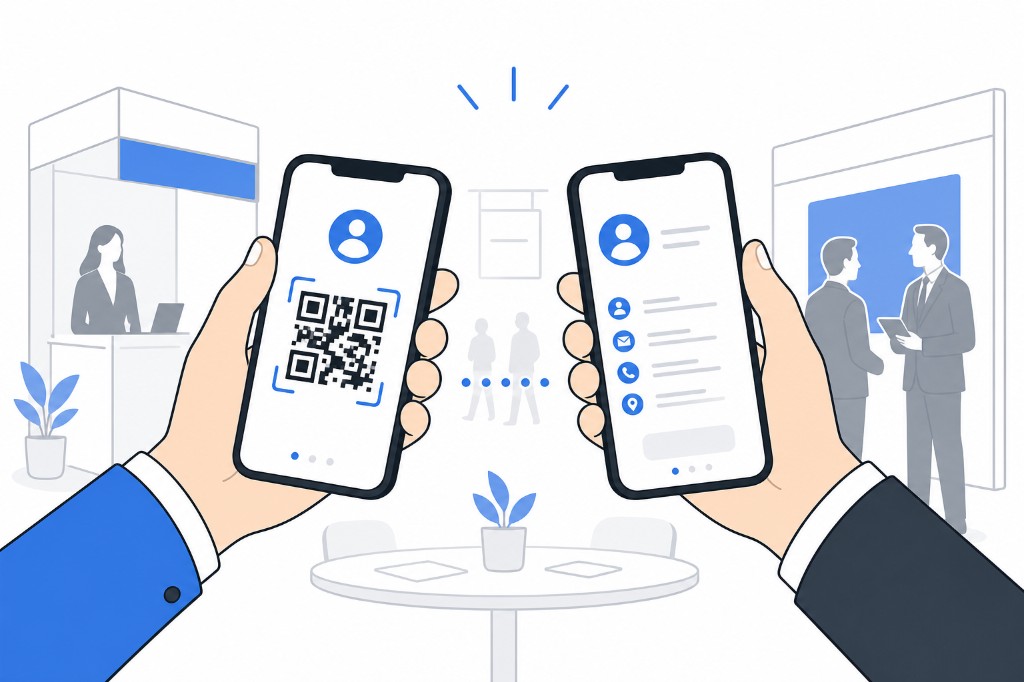
Show your vCard QR. Another PikScan user scans and adds you as a contact instantly.
Build your booth visit list: company, stand, hall, priority, visit time and route order, or import a CSV/Excel exhibitor list from the organizer (auto column mapping, preview, merge or replace). Download the PikScan template. Planned visits appear in the calendar. Mark visited and link scans to planned exhibitors.
Create categories and subcategories. View prospects as a list or folders by tree, same view for event prep.
Exchange a contact via vCard QR or share the .vcf file by AirDrop, email or message, without leaving the app.
Rate interest on the spot, while the conversation is still fresh.
Auto-generate hot / warm / cold sequences after the show. Work today’s queue with email, call or WhatsApp, snooze or skip. Local reminders, overdue badges and a day-14 report (Pro). Free: hot plans + 5 actions per event.
Track every prospect from "To contact" to "Won" or "Lost".
Trade shows, appointments, follow-ups, samples and planned exhibitor visits. Day, week and month views, color-coded by event type.
Dictate booth notes, attached to each contact profile.
On iPhone, transcribe any saved voice note to a text note in one tap. Apple on-device speech recognition, your recordings stay private.
Attach brochures by link, PDF or photos, stored on the supplier contact profile.
Native Excel (.xlsx), Salesforce, HubSpot, Odoo, Pipedrive, vCard, ICS. Calendar export included. Export right after the show.
Cost per lead, conversion rate and estimated ROI based on your event budget.
Manual export anytime, plus a periodic in-app reminder. Save locally or to your own iCloud Drive as a static archive you own. Restore in the app at any time (merge or replace).
Face ID or fingerprint protection when returning to the app.
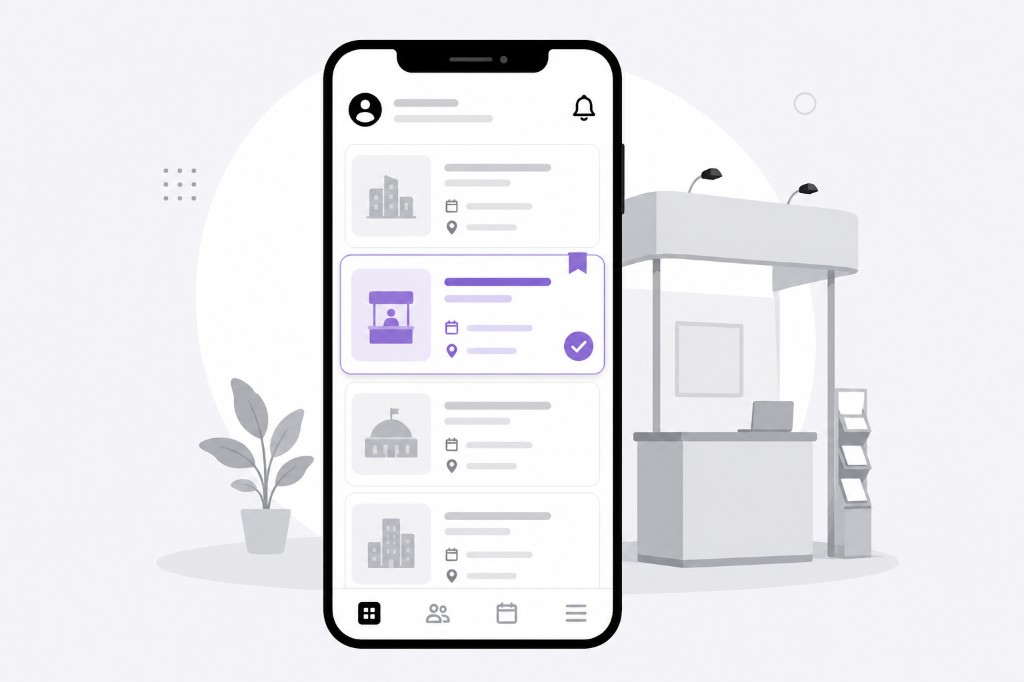
Create your event, build your exhibitor visit plan (or import CSV/Excel), set up categories and configure your digital card. Ready in 5 minutes.
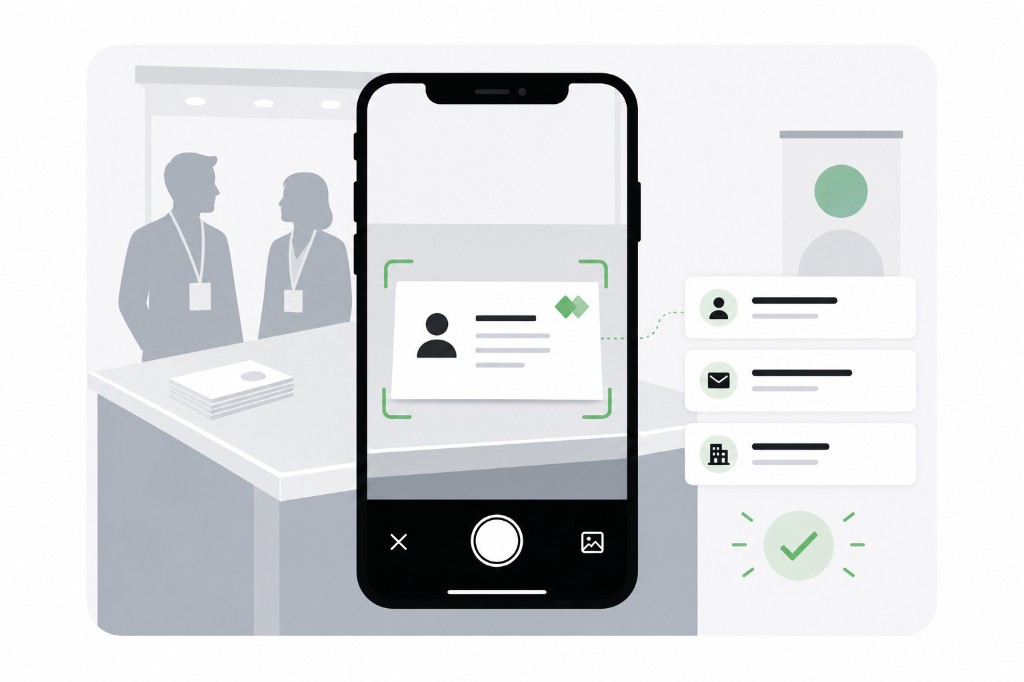
Scan cards, QR badges or LinkedIn. Qualify hot, warm or cold. Dictate voice notes.
Start follow-ups (hot / warm / cold), work today’s queue and track on the dashboard. Export to HubSpot, Salesforce or Excel when you’re ready.